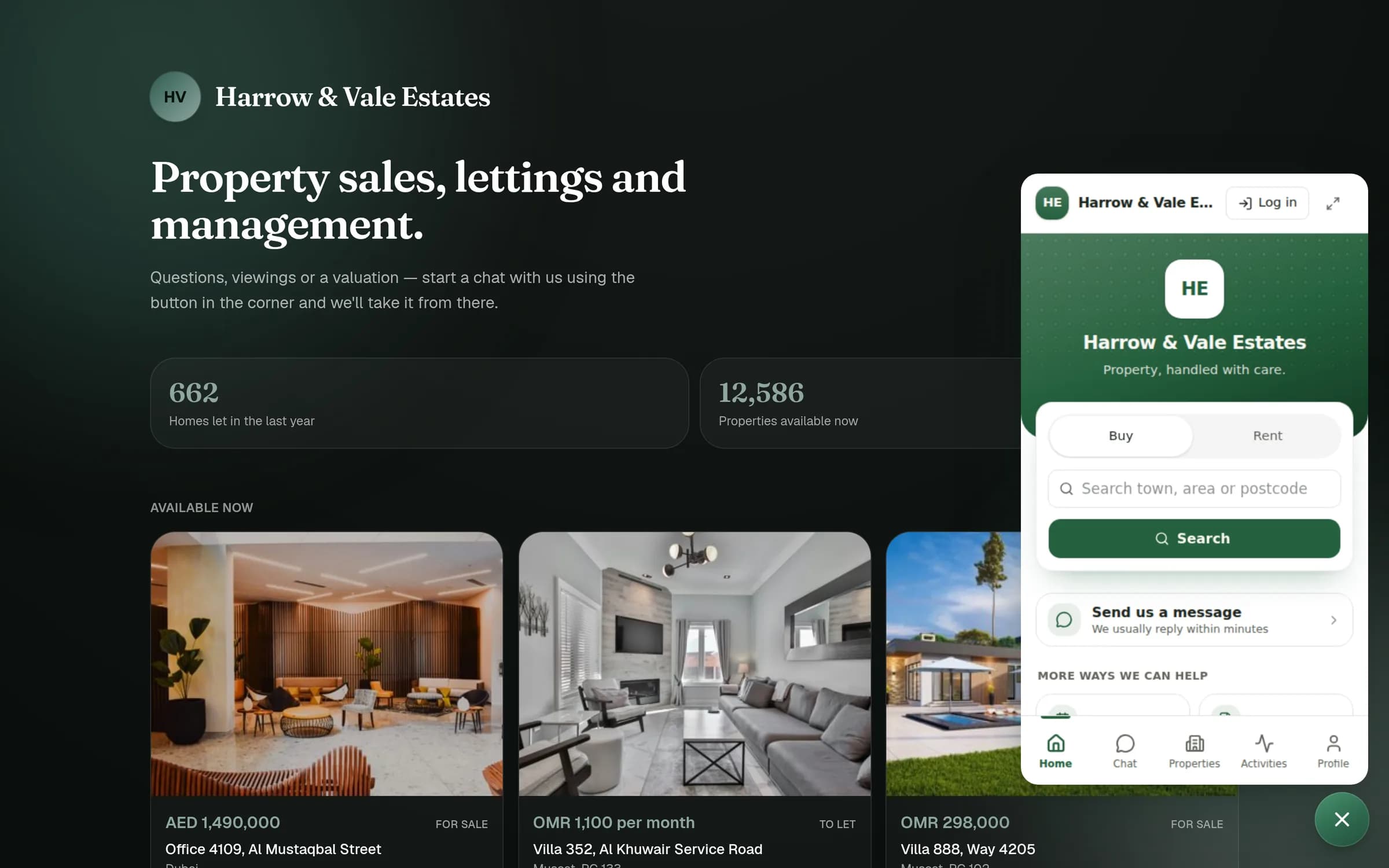
Your whole property business, one calm workspace
Fivura unifies your inbox, calendar, contacts, properties, and every activity into a single, beautifully simple platform — so your team stops juggling tools and starts getting ahead.
No credit card required · Built for modern property teams

- Connected modules
- 5
- Calm, unified workspace
- 1
- Activity tracked & searchable
- 100%
- Beautiful in either theme
- Light + Dark
Connected modules
Calm, unified workspace
Activity tracked & searchable
Beautiful in either theme
Everything in one place
Built for the way property teams really work
Five connected modules that share the same data — so nothing falls through the cracks.
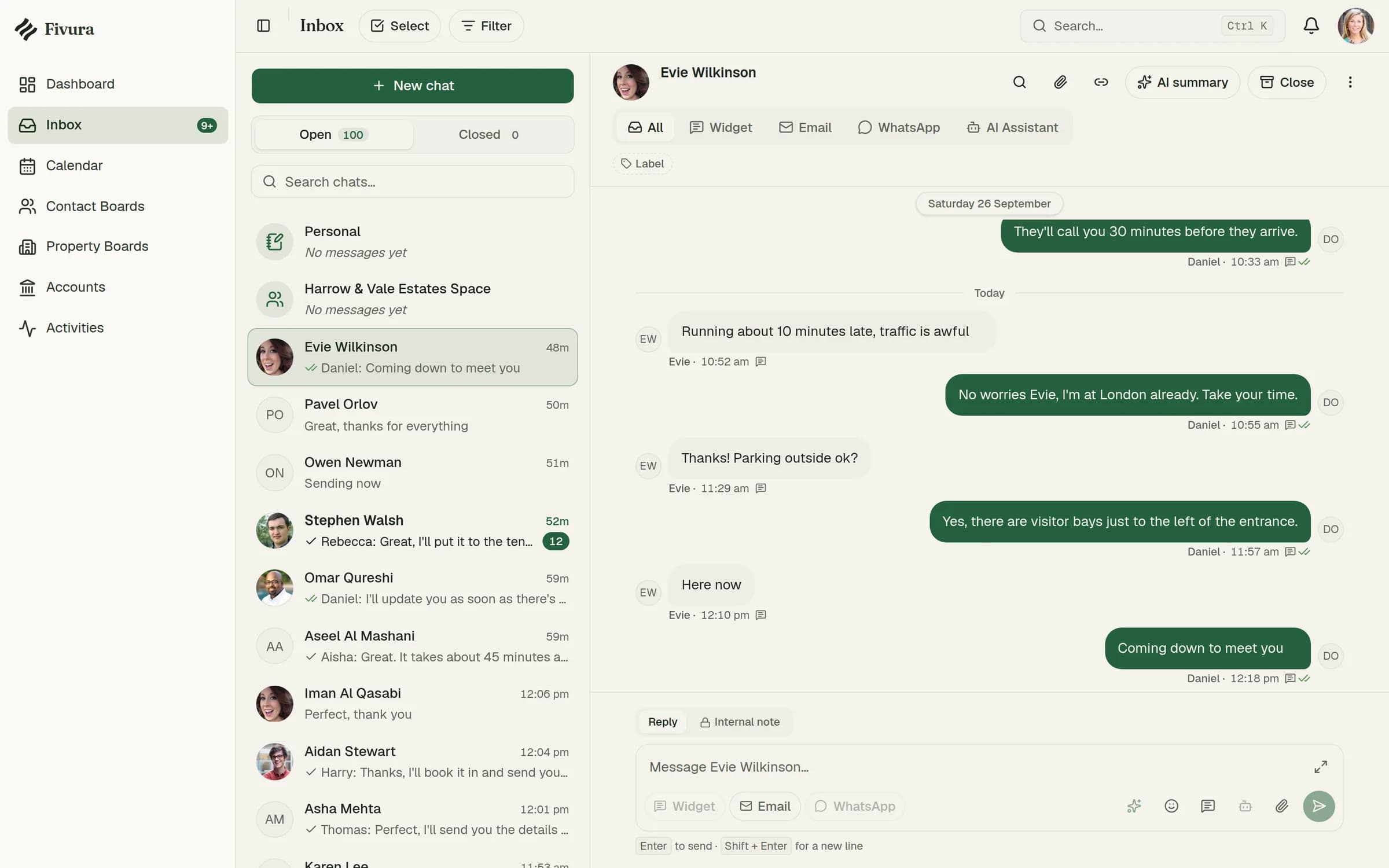
Unified Inbox
Messages, requests, and notifications from tenants and owners in one place — tag, triage, and reply without switching tabs.
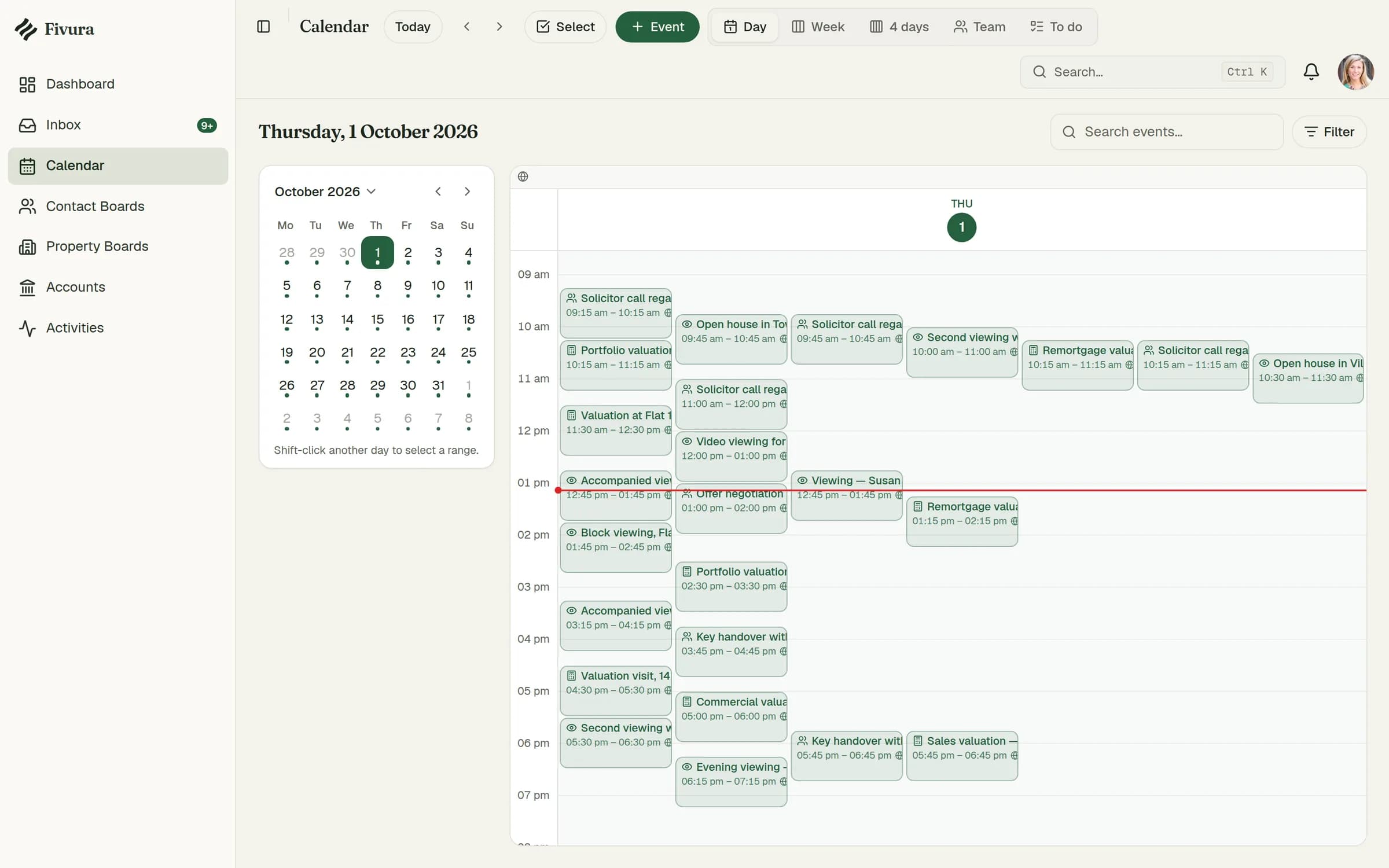
Smart Calendar
Viewings, inspections, lease deadlines, and every key date across your portfolio, laid out so nothing slips.
Contact Boards
Tenants, owners, and service providers — everyone connected to your properties, organised on boards you control.
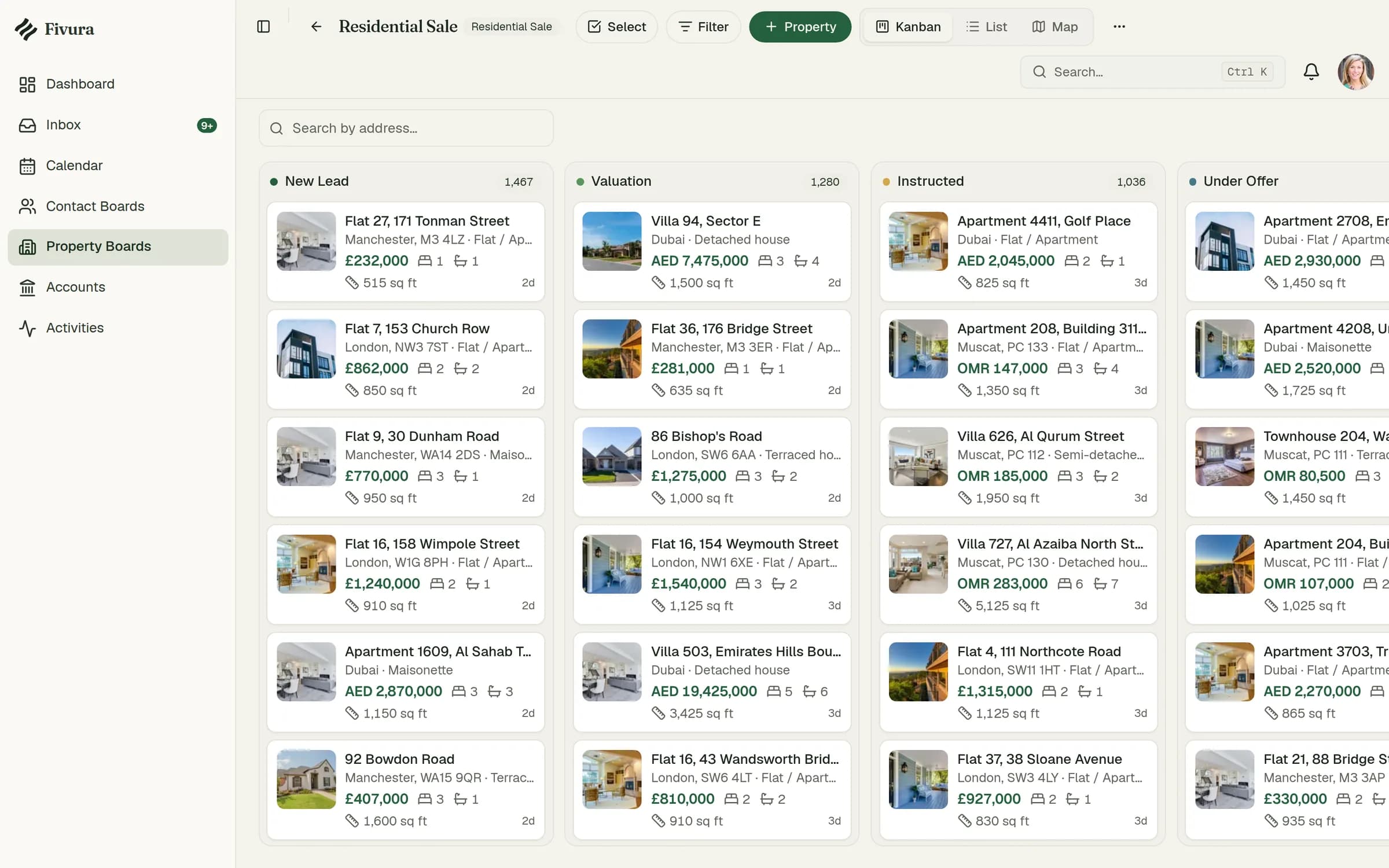
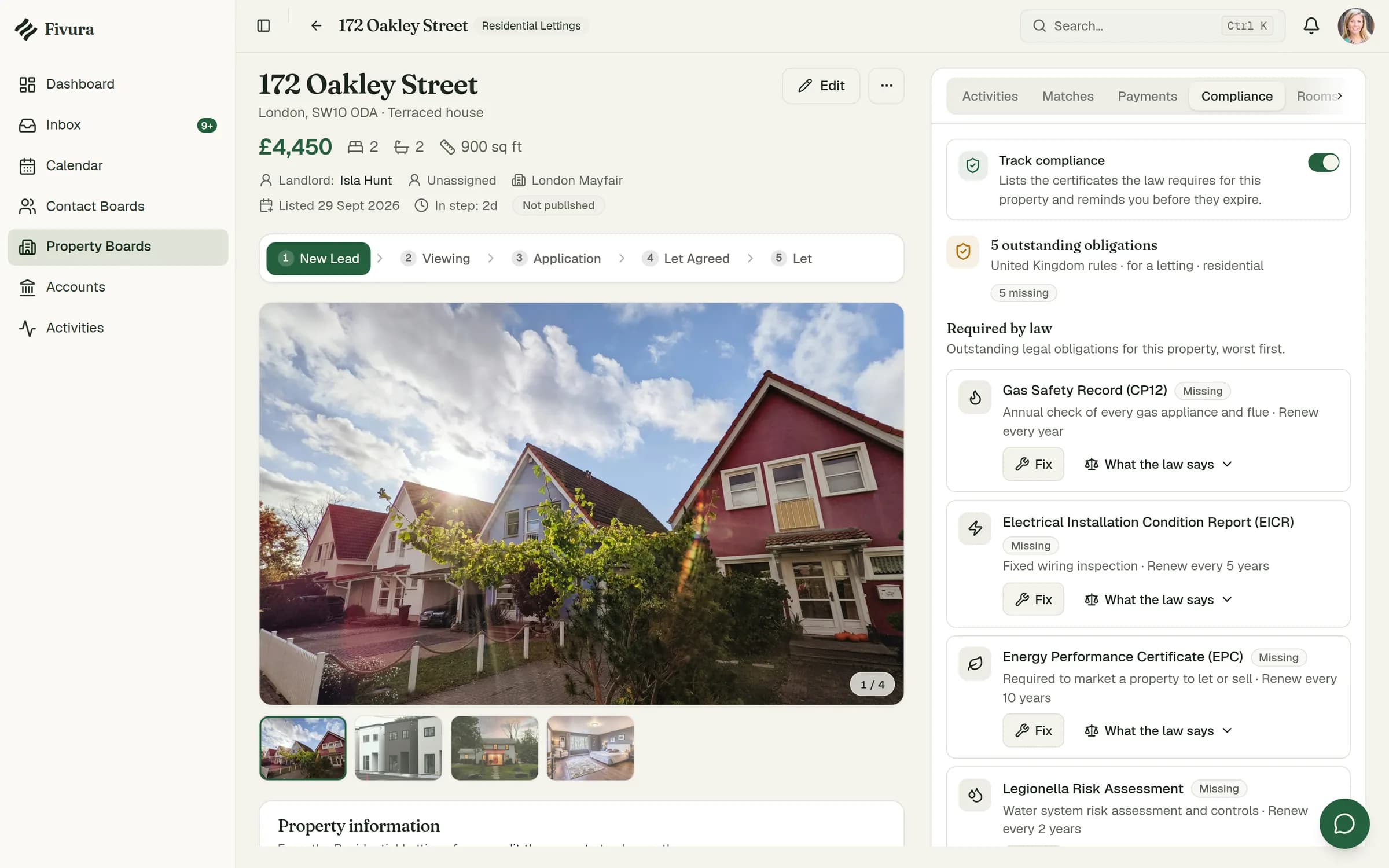
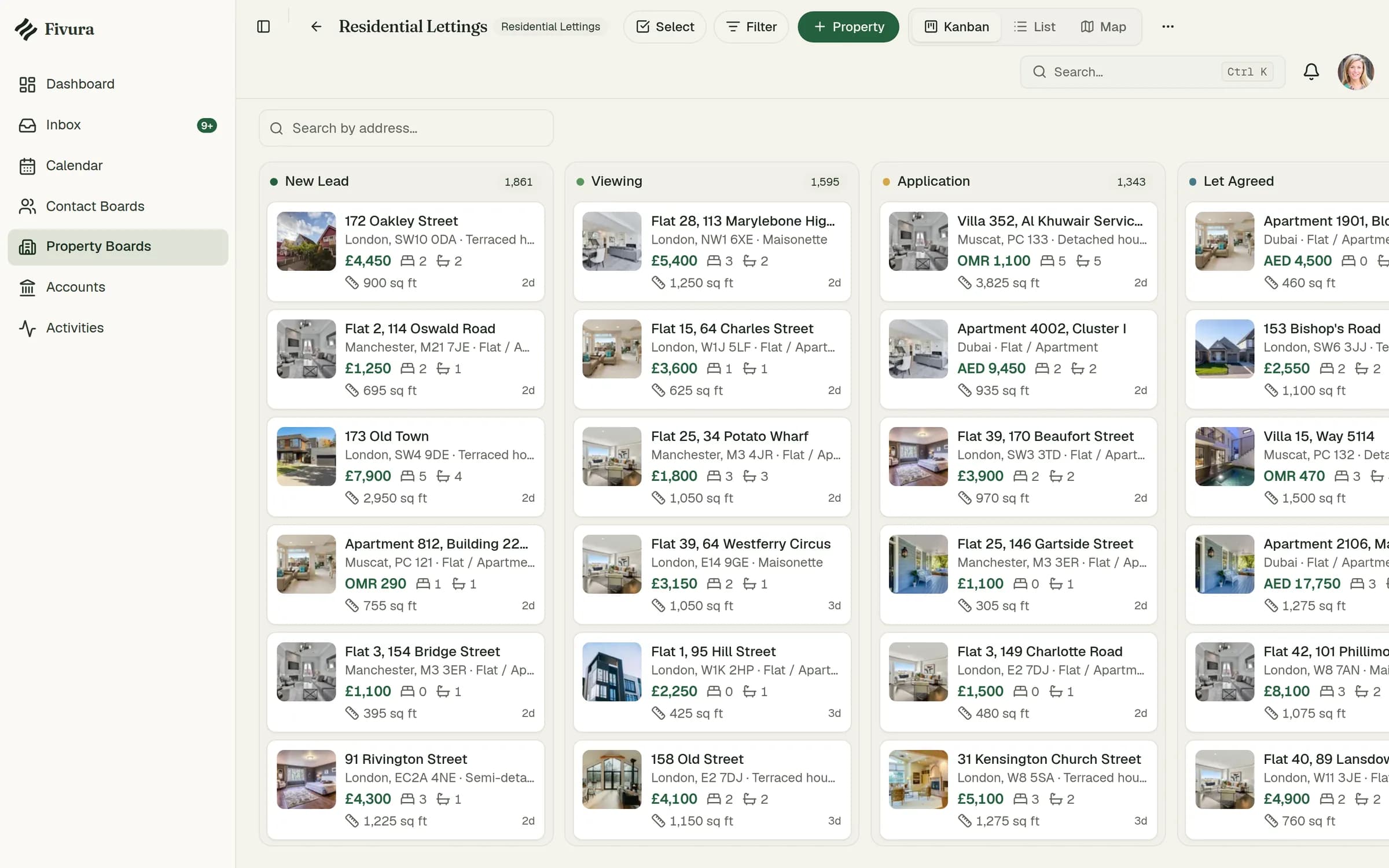
Property Boards
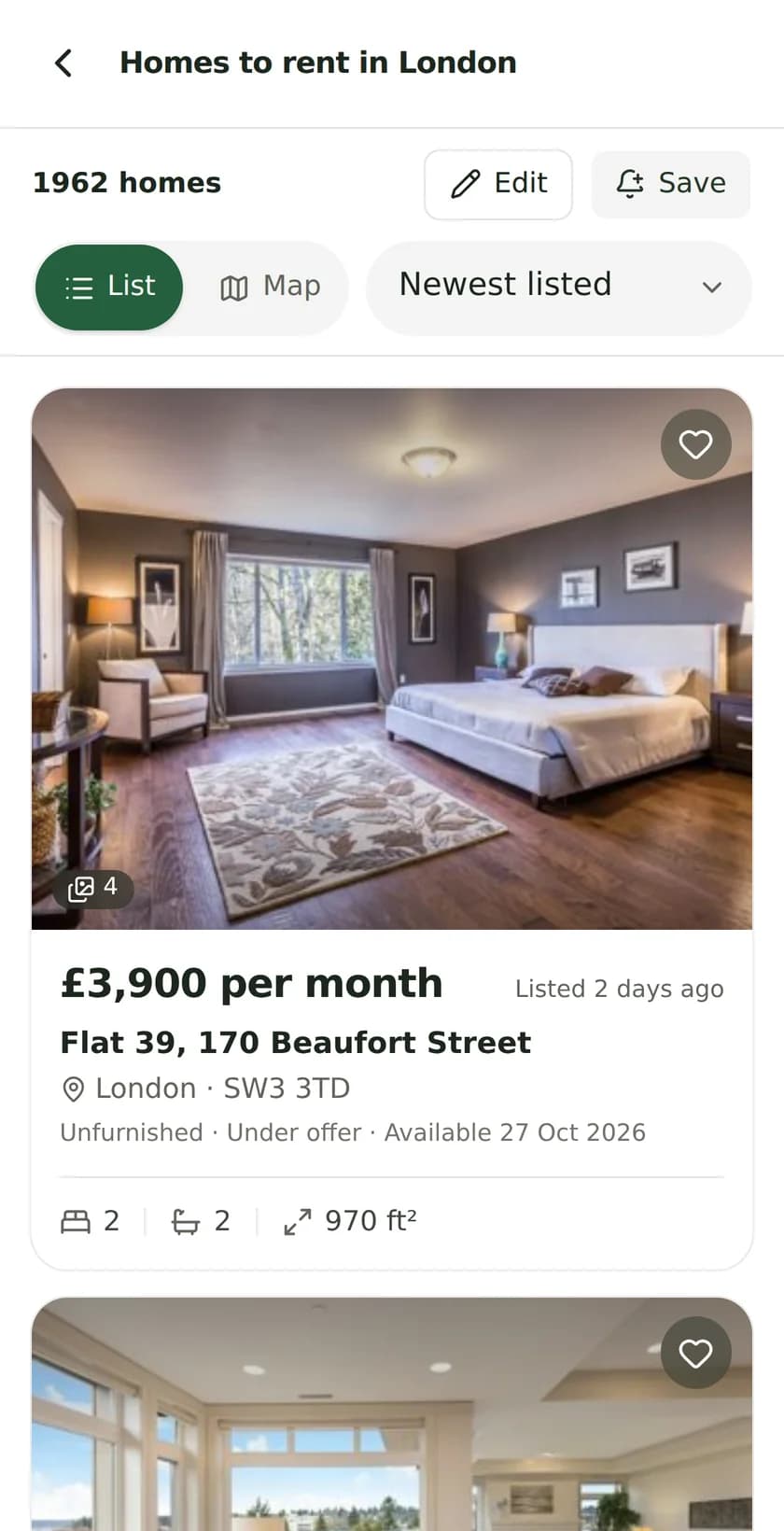
Organise your portfolio into boards, track activity on each one, and see every property on an interactive map.
Activity Trail
A chronological, searchable trail of everything that happens across your workspace — a complete audit log by default.
One workspace
No more spreadsheets and scattered tools. Every module shares the same data, so your whole team stays in sync.
Inbox
Every conversation, one calm inbox
Stop hunting through email, texts, and portals. Fivura pulls every tenant and owner conversation into a single threaded inbox with tags, priorities, and unread tracking.
- Open and closed threads at a glance
- Tag messages by urgency and type
- Read receipts and unread counts built in

Calendar
Never miss a viewing or a deadline
A week-at-a-glance calendar for viewings, inspections, and lease dates — colour-coded by label and laid out beside a mini-month so the whole portfolio fits on one screen.
- Day, week, and label-grouped views
- Colour labels for priorities and follow-ups
- Key handovers and admin tasks in context

Property Boards
Your whole portfolio at a glance
Group properties into boards by portfolio, status, or strategy. Each board tracks meetings, valuations, and maintenance — and drops every property onto an interactive map.
- Boards for portfolios, lettings, and more
- Live counts for meetings and valuations
- Map view across your entire portfolio

Why Fivura
A platform that feels effortless
We obsessed over the details so your team doesn't have to think about the tool — only the work.
Designed to be calm
A warm, focused interface that property teams actually enjoy using — readable typography, generous spacing, zero clutter.
Portfolio on a map
See where every property sits, cluster by area, and jump straight from the map into a property's full record.
An audit trail by default
Every change, message, and event is recorded automatically, so you always know what happened and when.
Light and dark, done right
Every screen is built mobile-first and looks sharp in both themes — no broken layouts, no afterthoughts.

Questions, answered
Everything you need to know about Fivura.
What is Fivura?
Fivura is an advanced property management platform that brings your inbox, calendar, contacts, properties, and activity history into one workspace built for modern property teams.
Who is it for?
Lettings and sales agents, portfolio landlords, and property managers who are tired of juggling spreadsheets, email, and half a dozen disconnected tools.
Can I manage my whole portfolio?
Yes. Organise properties into boards, track contacts and conversations against them, schedule viewings and inspections, and view everything on an interactive map.
Is my data secure?
Fivura keeps a complete, searchable activity trail of everything that happens in your workspace, so every action is accountable and traceable.
Bring your whole portfolio into focus
Join the property teams trading spreadsheets and scattered tools for one calm, powerful workspace.
Free to start · No credit card required